Getting Started / Quick Start Guide
Quick Start Guide
Use this workflow to move from a new project to validated results and a final report in the shortest path.
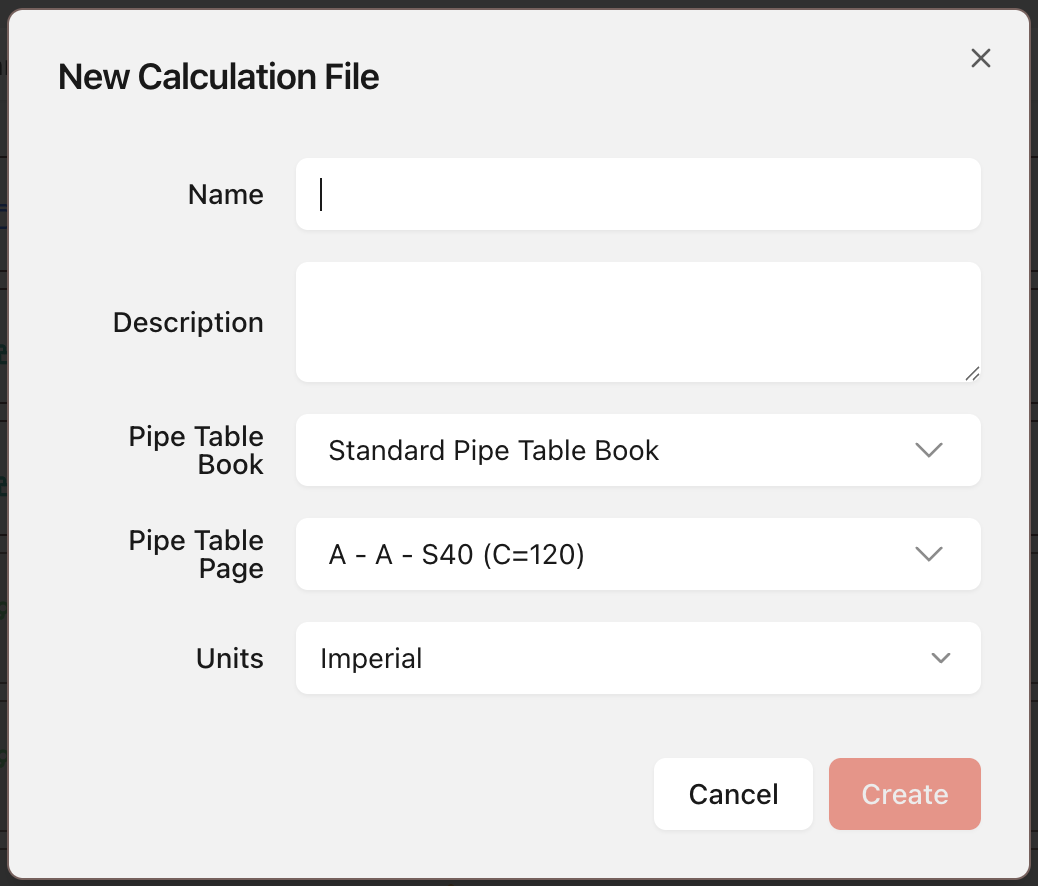
Start Project
- Open the target folder in the file system.
- Select New Calculation.

- Enter project basics and select Create.
Set Properties
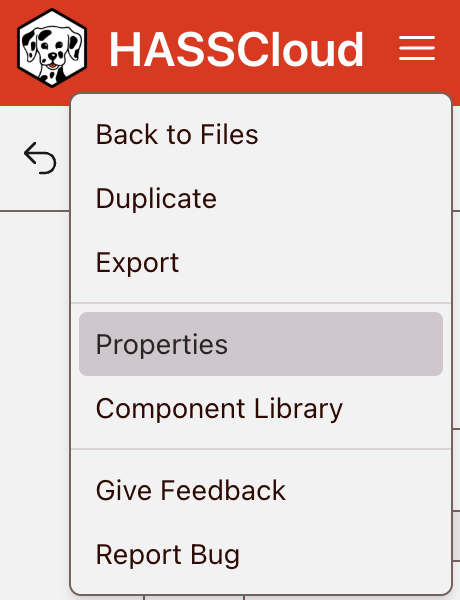
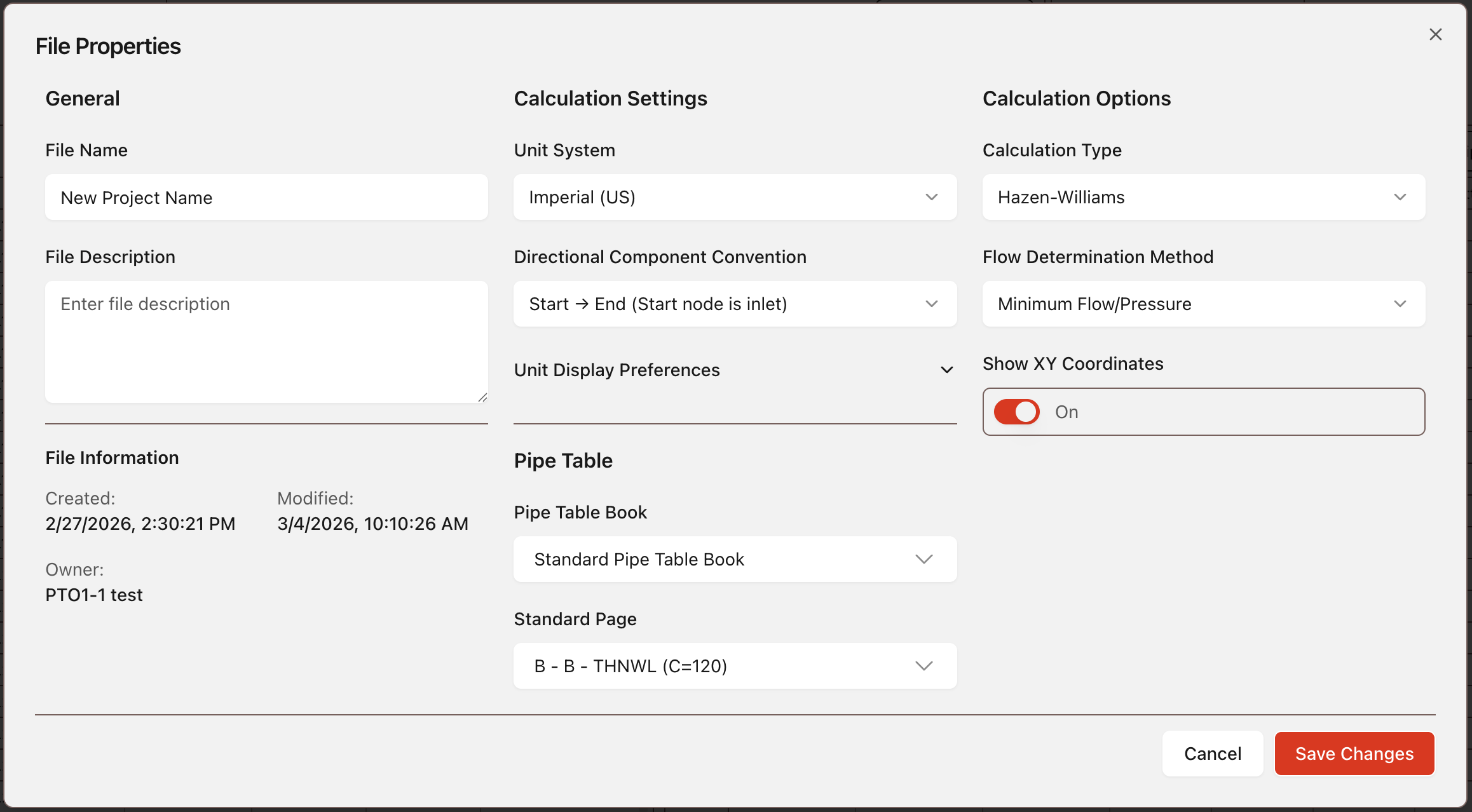
- Open Project Properties.
- Set Pipe Table, configuration ranges, and units. Select Save Changes.
Input Data
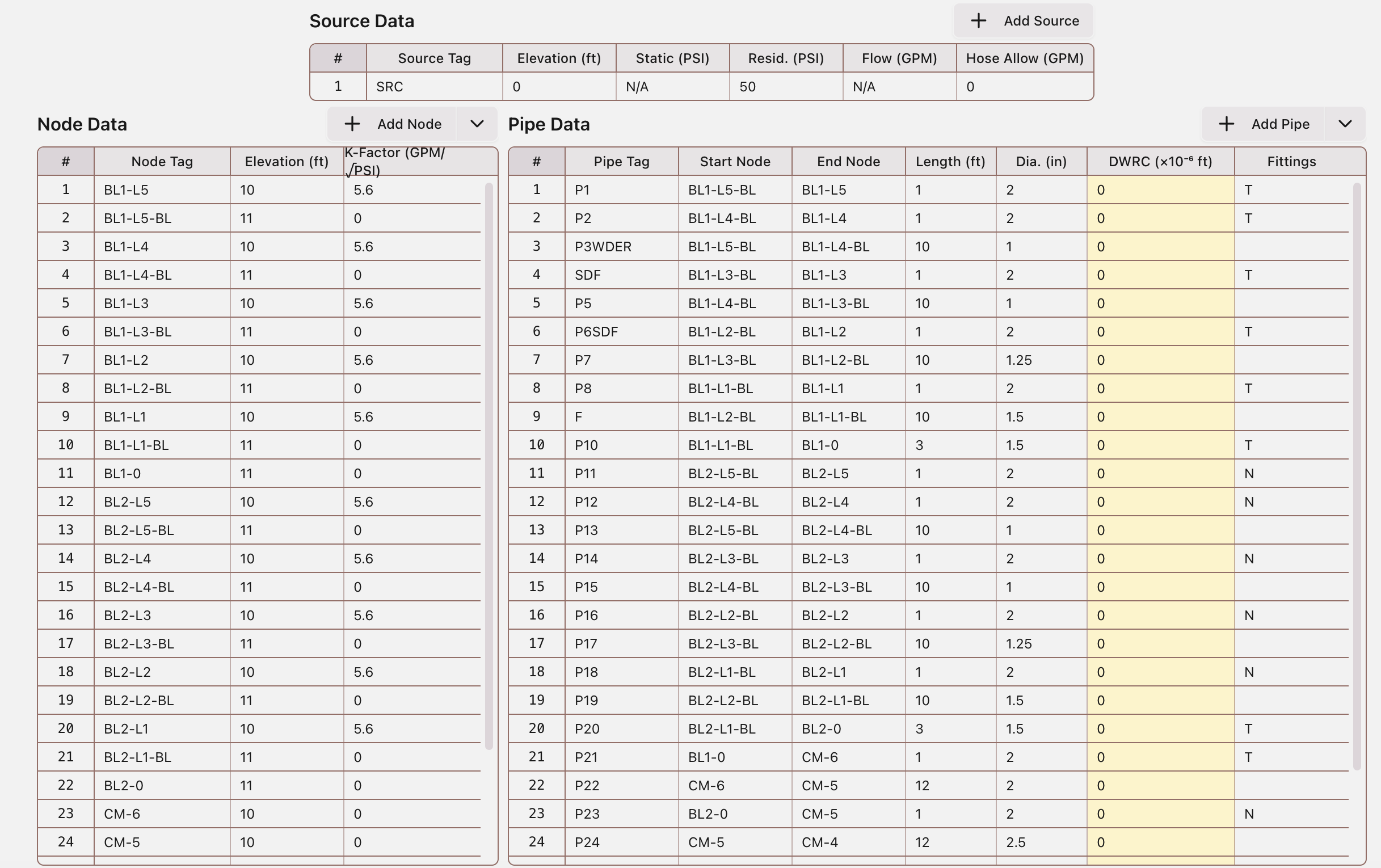
- Enter source, node, and pipe data in the Data Input Tables.
- Use convert actions as needed for sprinklers, hose streams, pumps, PRV, and FPLD.
Run Calculation
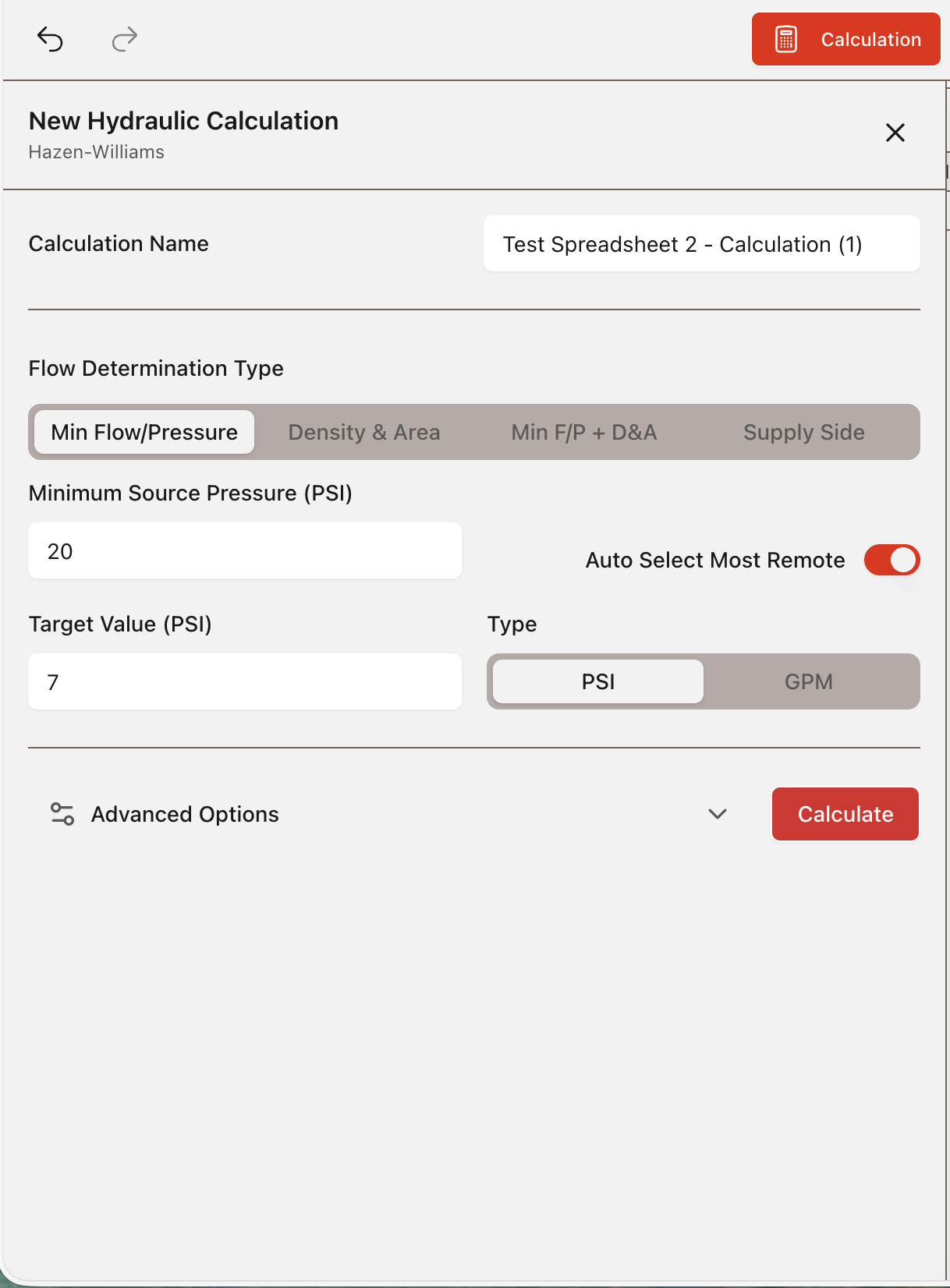
- Open Calculation from the toolbar.
- Set calculation criteria and select Calculate.
Review Results
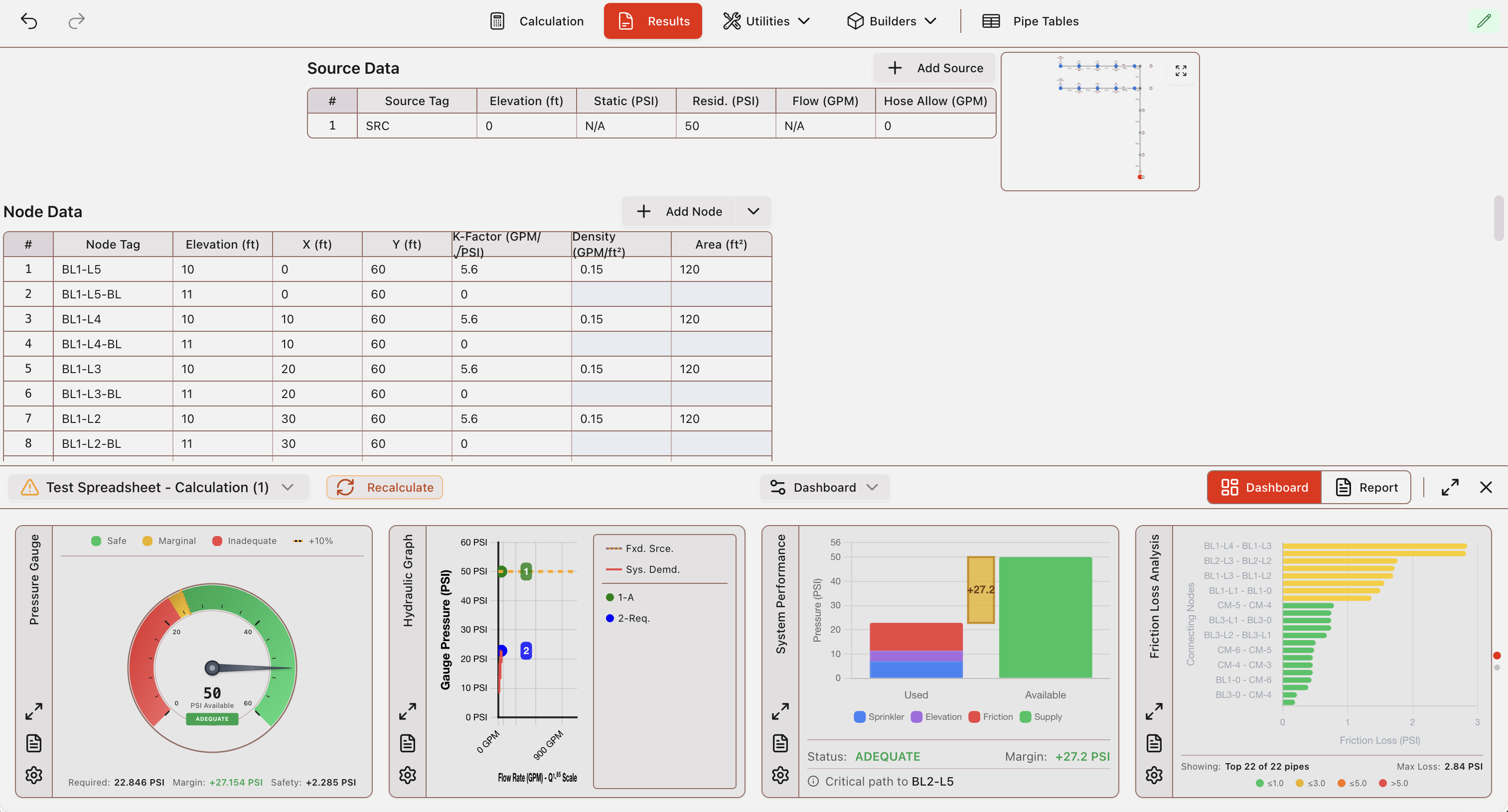
- Review key modules in the Results Dashboard.
- Edit and Recalculate if needed.
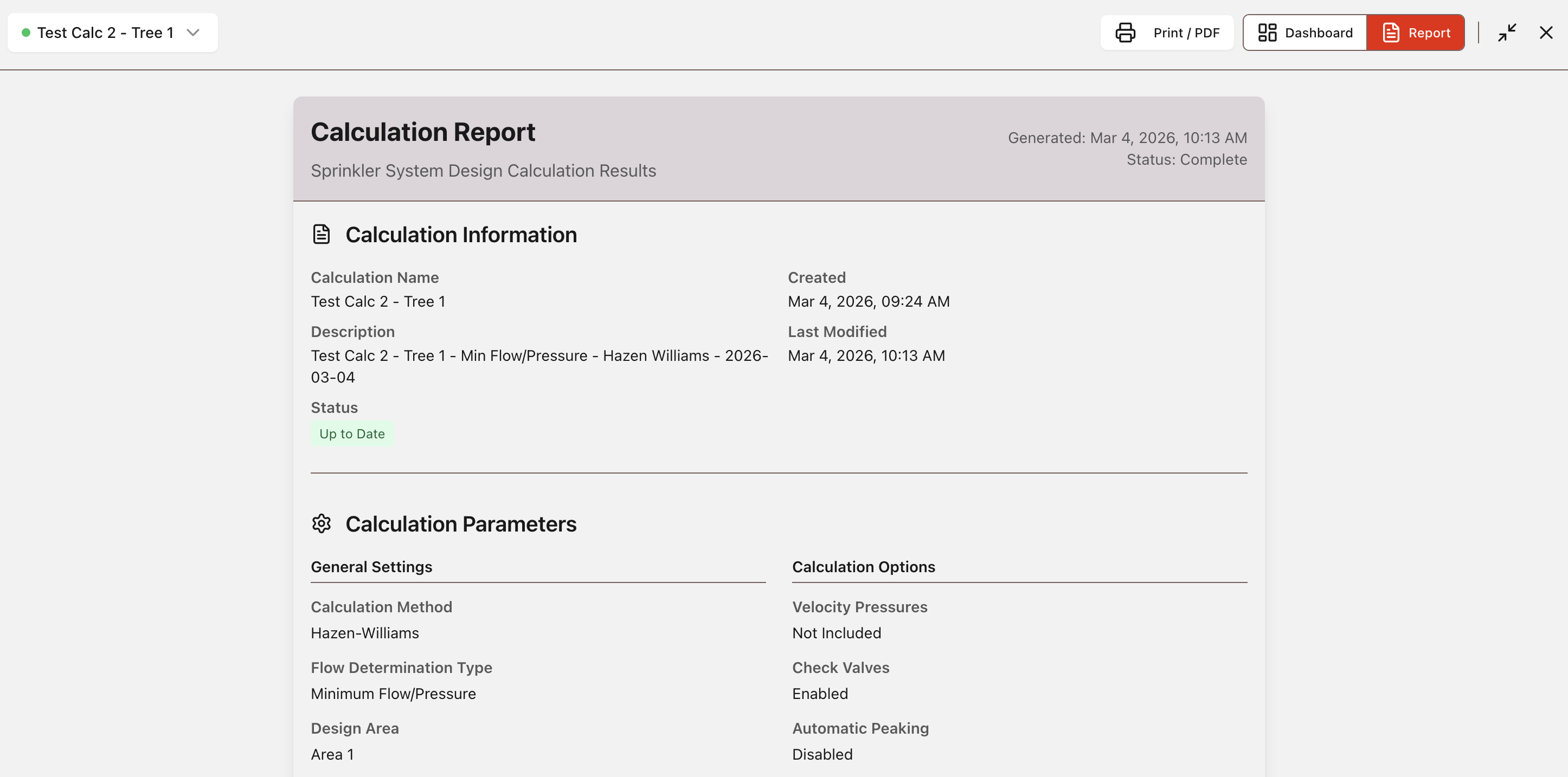
Export Report
- Open the report from Results.
- Print/export PDF.